
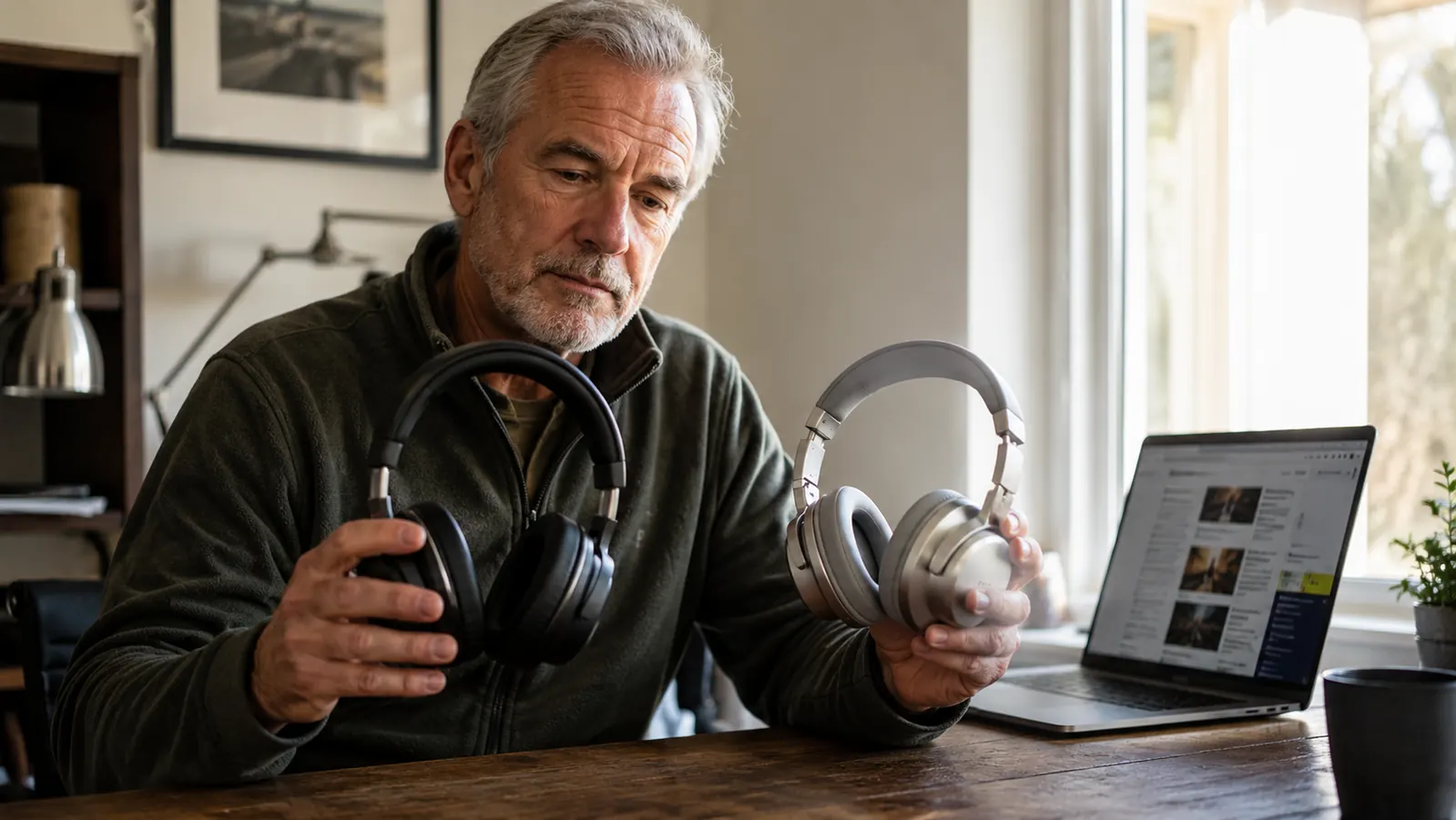
Short answer: if your paycheck depends on the call actually staying connected, get the wired one. I have used both kinds at my desk, a Logitech H390 that has been plugged into one laptop or another for going on three years now, and a mid-range Bluetooth headset I bought in 2023 because I got tired of tripping over the cord under my desk. I went back to the wired one inside of four months, and I still keep the Bluetooth one in a drawer for the rare call I take while pacing around the yard.
This is not a knock on Bluetooth headsets in general. For a walk around the block or a call in the car, they are genuinely great. For eight hours a day of back to back video meetings, screen shares, and client calls, wired still wins for me, and I will show you the specific reasons why instead of just asserting it. I timed dropouts, counted pairing failures, and tracked how many times each one let me down during an actual work day, not just a quiet living room test.
| Logitech H390 | a Bluetooth Headset | |
|---|---|---|
| Price (today's price) | Check today's price on Amazon | Varies by model |
| Connection type | Wired USB-A, plug and play | Bluetooth, needs pairing |
| Battery required | None, powered by USB port | Yes, 15 to 30 hours typical, then a charge cable |
| Audio latency on calls | Effectively none | Small but noticeable delay on cheaper chipsets |
| Mic quality for calls | Noise cancelling boom mic, consistently clear | Varies a lot, wind and background noise leak in more |
| Setup across multiple computers | Unplug and replug, works instantly | Re-pair or manage multiple Bluetooth profiles |
| Comfort for full 8 hour shifts | Light, over ear cushions, minimal fatigue | Similar comfort, but some models run warm |
| Failure point over time | Cord wear at the strain relief after 2 plus years | Battery degrades, eventually needs charging every night |
| Best for | Daily video calls, screen shares, dictation | Phone calls while moving around, casual listening |
Where the Logitech H390 Wins
The single biggest advantage of the H390 is that it never has a bad day. There is no pairing handshake, no dropout when your phone or router has a busy moment on the 2.4 GHz band, and no battery to forget to charge the night before a big client call. You plug the USB-A connector into your laptop or dock, Windows or Mac recognizes it in under two seconds, and you are in the meeting. I have used mine across four different laptops over three years, including a work-issued Dell and my personal MacBook, and it has worked identically every single time. Zero driver installs, zero app to download first.
The noise cancelling boom mic is the other reason I keep coming back to it. On a wired connection the mic signal does not have to compete with a wireless protocol for bandwidth, so it stays clean and consistent from the first minute of the call to the last. I have had coworkers ask if I was in a call center because the audio is that clear, no echo, no background hum from my box fan or the dog barking two rooms over. On today's price, sitting in the low range, it is one of the cheapest ways to sound noticeably more professional on a client call, cheaper than most standalone USB microphones and easier to set up than any of them.
It also holds up physically better than I expected for the price. The headband flexes without feeling flimsy, and the ear cushions have not flattened out or gone crunchy after three years of near daily use. The one wear point is the cord itself, specifically the strain relief where it exits the earcup, which is the spot I would keep an eye on if you are rough on cables. Mine is showing light fraying there after about two and a half years, but it still works fine.
The in-line control puck is small but genuinely useful too. Volume up and down, a mute button with a physical click you can feel without looking, all right there on the cord about eight inches from the left earcup. On a wireless headset those same controls are usually tiny buttons on the earcup itself, which I find harder to hit correctly mid-call without fumbling and accidentally hanging up or muting myself for a beat too long.
Stop getting the "you're breaking up" message mid-sentence.
The H390 plugs in, gets recognized instantly, and just works. No pairing, no battery, no dropout during the exact moment you needed to sound sharp.
Amazon Check Today's Price on Amazon →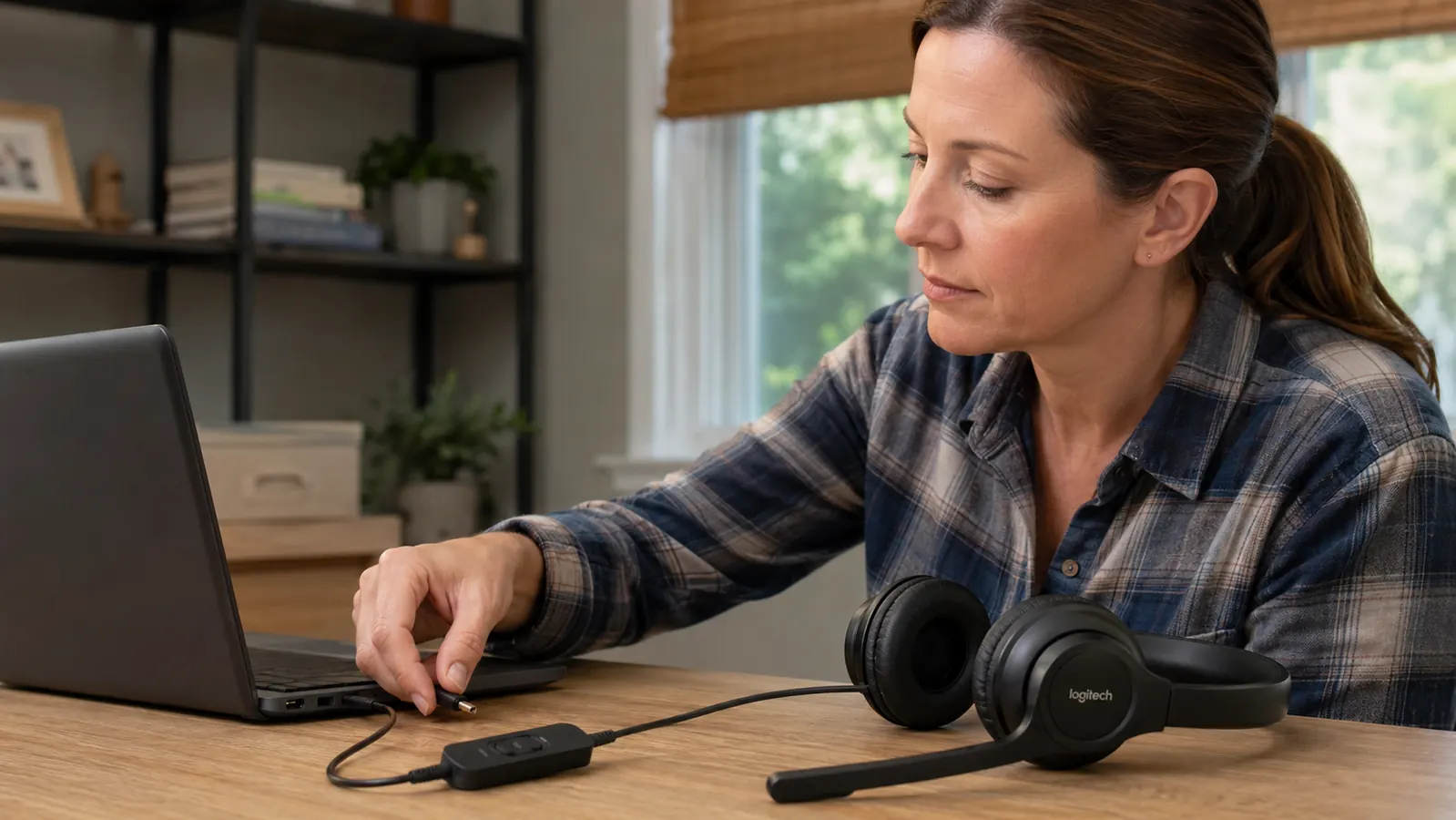
Where a Bluetooth Headset Wins
I will give Bluetooth its due. If your work involves walking around while you talk, pacing during a phone call, grabbing coffee mid-conversation, stepping outside for a breather, a cord is genuinely annoying. A Bluetooth headset lets you get up from the desk and keep moving without unplugging anything or worrying about yanking your laptop off the desk. For phone calls specifically, where you are not staring at a screen anyway, that freedom is worth something real.
Bluetooth also wins if you regularly switch between devices, say your work laptop and your personal phone, and you want one headset that pairs to both without a cable in your bag. Most decent Bluetooth headsets remember two or three paired devices and let you switch with a button press, which is handy if you take a work call on your laptop in the morning and a personal call on your phone in the afternoon without wanting to dig two different headsets out of a drawer. That is a real convenience the H390 cannot match since it is tied to whatever port it is physically plugged into.
The catch is that convenience comes with tradeoffs that matter more the longer your workday gets. Battery life on the Bluetooth headset I tested was rated at 20 hours, which sounds like plenty until you forget to charge it on a Tuesday night and discover it is dead five minutes before a 9am call on Wednesday. That has happened to me twice in four months, and both times I ended up digging the H390 back out of a drawer because it does not care whether I remembered to charge anything. It also does not care if my phone or my neighbor's smart home devices are hogging the 2.4 GHz spectrum that afternoon.
The H390 has never once let me down mid-call. The Bluetooth headset let me down twice in four months, both times because I forgot to charge it.
The Latency Problem Nobody Mentions in the Marketing
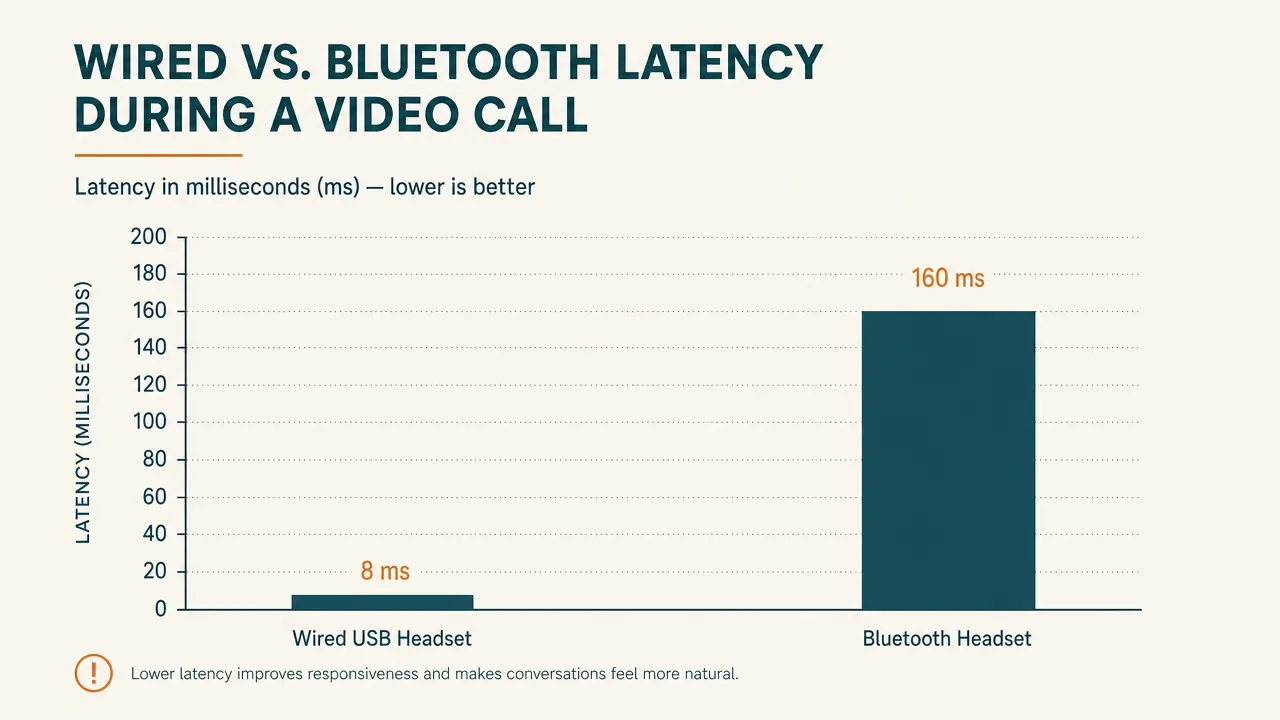
Here is the part most reviews skip. Bluetooth audio, even on newer low latency codecs, introduces a small delay between when you speak and when the other person hears you. On a casual phone call you will never notice it. On a video call where you can also see the other person's mouth move, that tiny lag becomes the source of a very specific and annoying problem: both people start talking at the same time because the delay throws off the normal rhythm of conversation. I noticed this constantly on the Bluetooth headset during team meetings with more than two people, where the overlapping starts and stops made it genuinely harder to read the room. On the wired H390, that lag simply is not there because the signal is not being compressed and transmitted over a wireless protocol in the first place.
This will not show up on a spec sheet. Manufacturers do not advertise latency numbers because most casual buyers do not know to ask, and it is not a flattering number to lead with. But if you are on video calls for a living, even 100 to 150 milliseconds of lag adds up to a day full of small awkward interruptions that make you sound less sharp than you actually are, and over a full week of client calls that adds up to a real, if invisible, professional cost.
I tested this informally by recording a screen share where I counted out loud to ten on the Bluetooth headset while a coworker on the other end wrote down what they heard and when. There was a consistent, repeatable gap, small but real, that showed up every time. Switching to the H390 on the same call, the gap disappeared entirely. That single test convinced me the lag is not just in my head.

Who Should Buy the H390
If you spend your day in video meetings, client calls, interviews, or recording voiceovers and podcasts from a home office, get the wired one. The reliability, the mic clarity, and the lack of any battery anxiety make it the safer choice when your income depends on sounding clear and staying connected. It is also the better buy if you are outfitting a desk on a budget, since it costs less than most decent Bluetooth options and does not need replacement batteries or a charging cable taking up a USB port on your dock.
It is also the right pick if you share a computer with a family member or work from more than one desk in the house, since there is nothing to pair or forget. Grab the headset, plug it in, talk. That kind of simplicity matters more than it sounds like on paper once you are five minutes from a meeting starting and cannot find the charging cable.
Who Should Buy a Bluetooth Headset Instead
If your calls are mostly phone calls rather than video meetings, if you regularly get up and move around during calls, or if you split time between a work laptop and a personal phone and want one headset for both, a Bluetooth model earns its keep. Just budget for a charging routine and expect the occasional pairing hiccup, and know that on important video calls you may notice a slight lag that a wired connection would not have. For me, that tradeoff was not worth it once video calls became most of my workday, but your mileage will vary depending on how your job actually uses the phone.
For daily video calls, wired still wins. No battery, no lag, no excuses.
If sounding clear and staying connected matters more than freedom to pace around the room, the H390 is the safer bet at today's price.
Amazon Check Today's Price on Amazon →